Installation
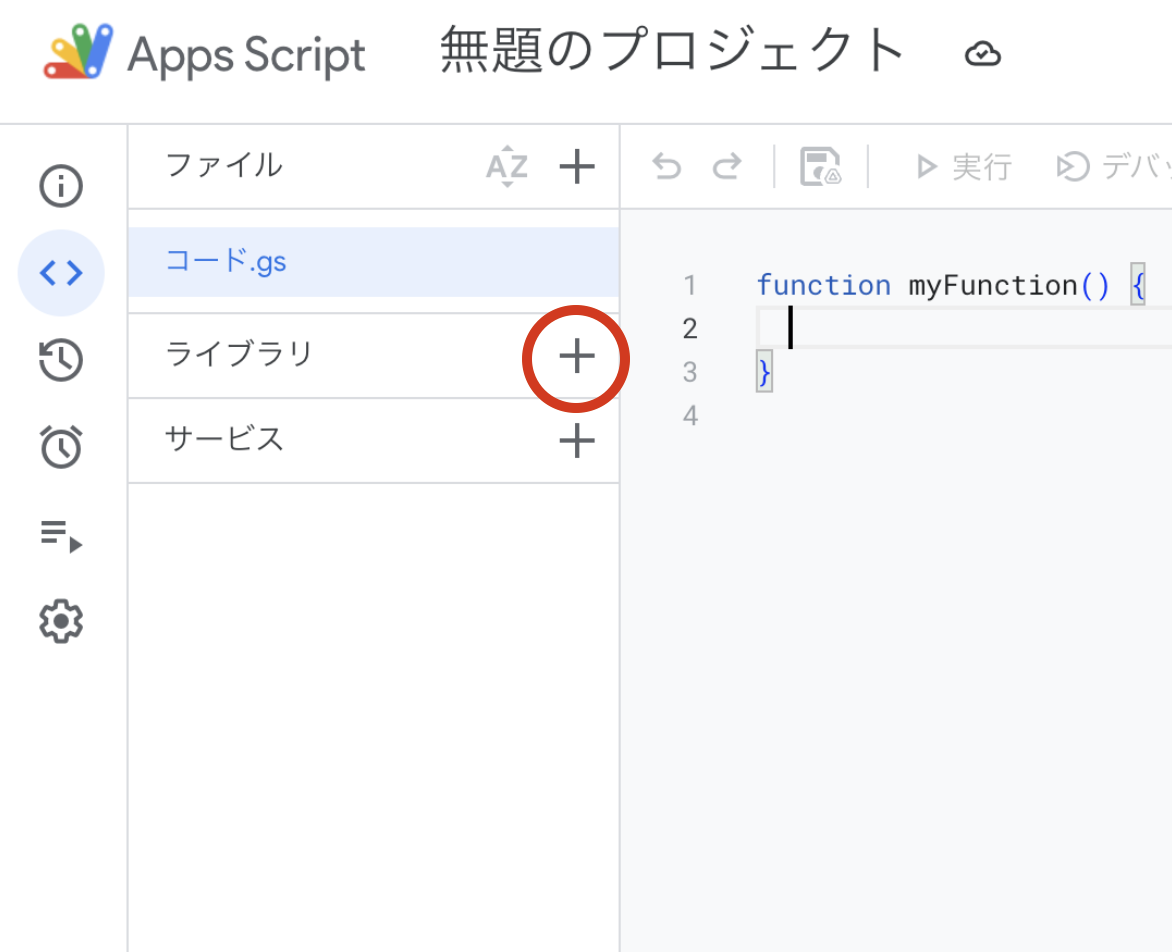
First, after opening Apps Script, click the "+" button in the Libraries section.
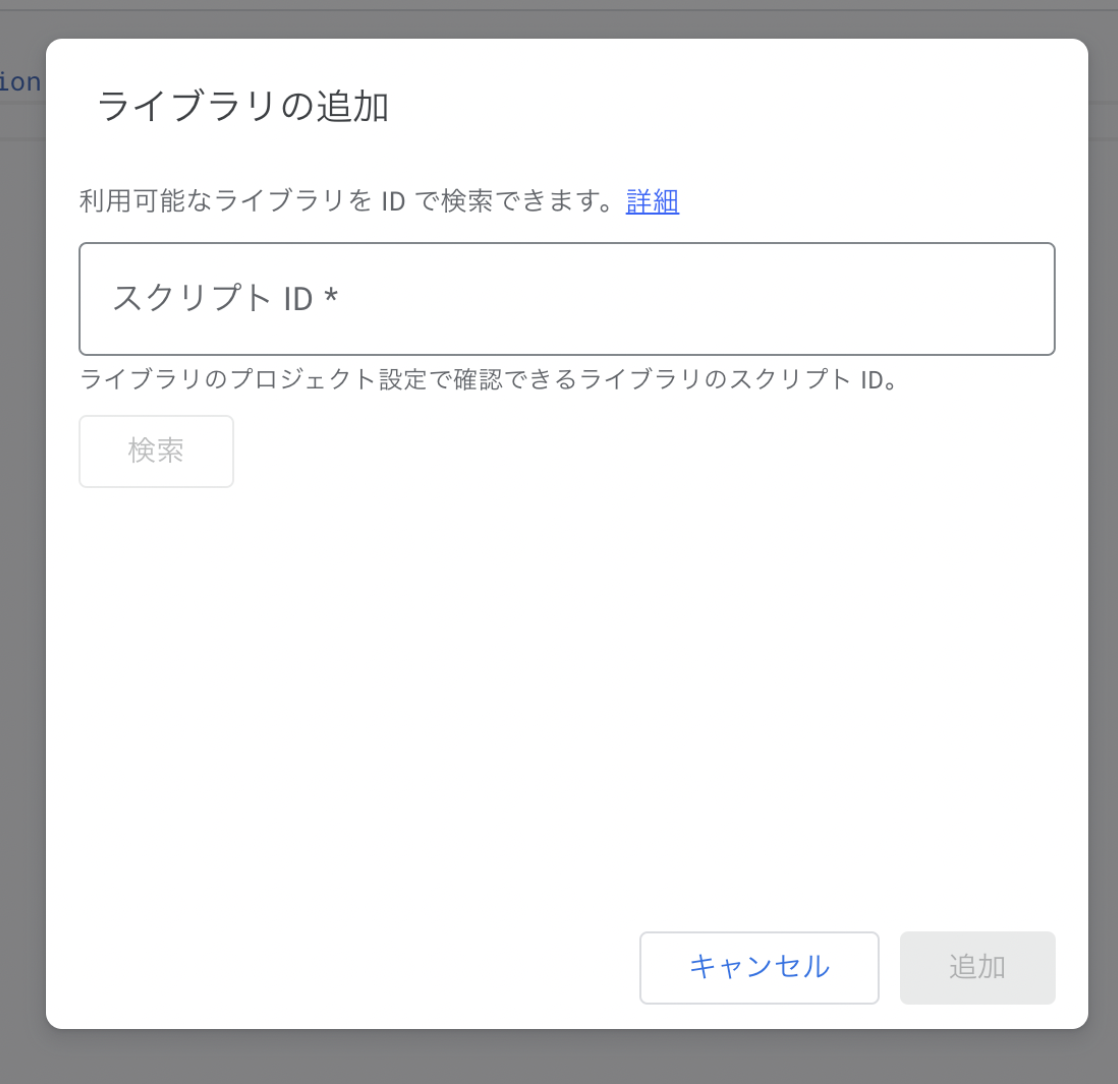
A dialog like the one below will appear. Enter the following in the "Script ID" field and press the search button.
1ZVuWMUYs4hVKDCcP3nVw74AY48VqLm50wRceKIQLFKL0wf4Hyou-FIBH
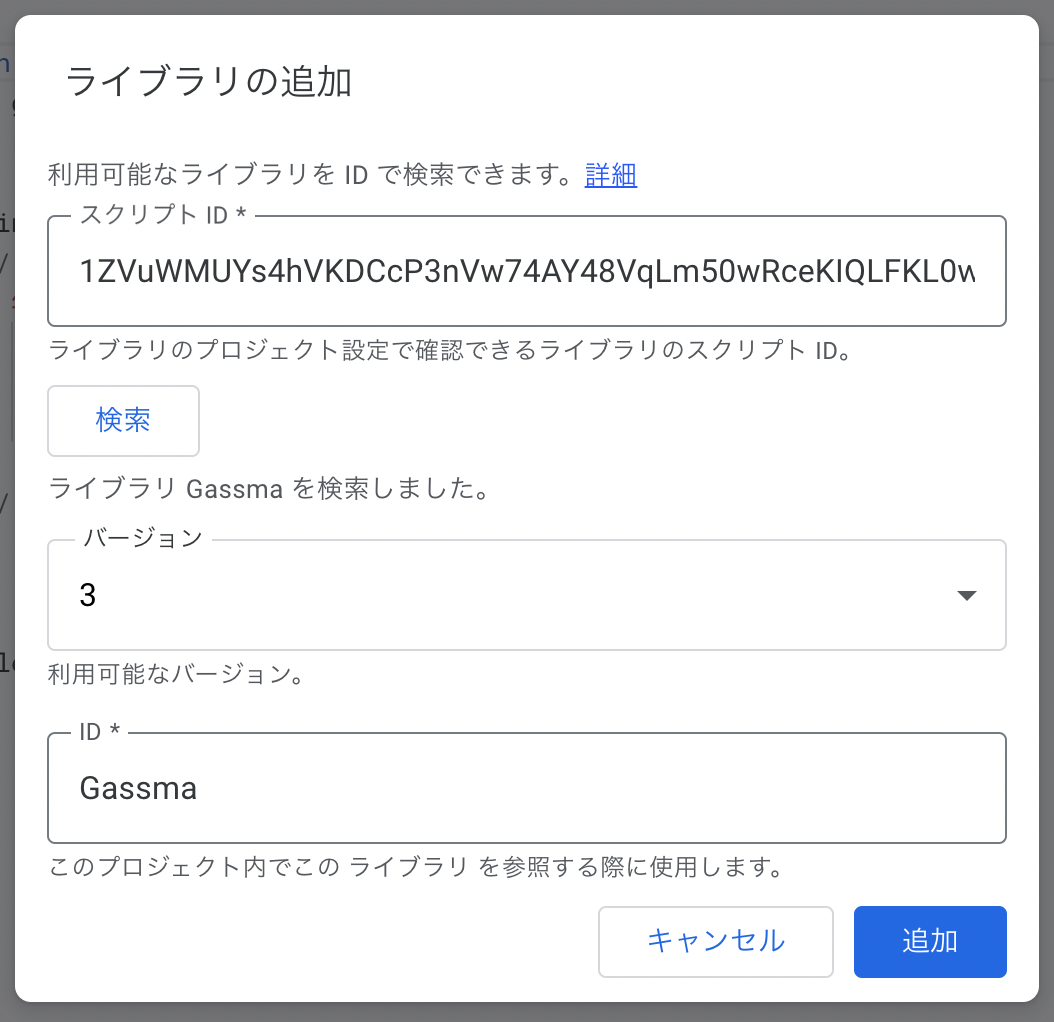
The following screen will appear. Press the "Add" button.
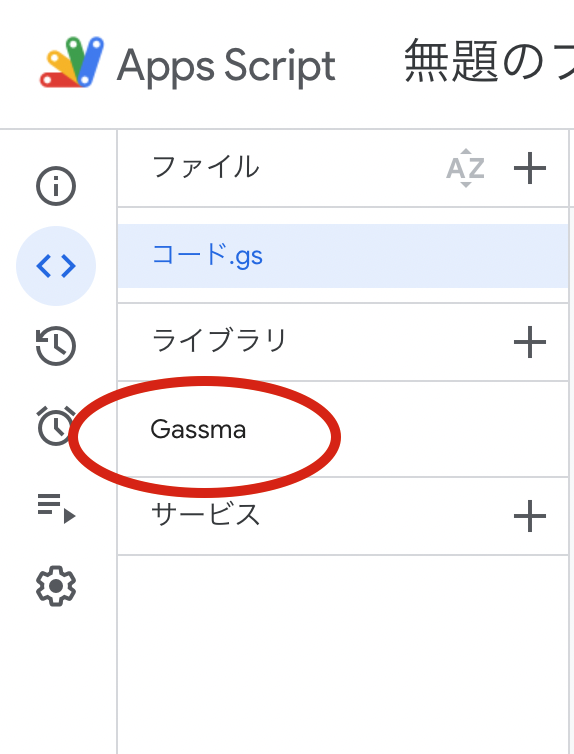
If "Gassma" appears in the Libraries section, you're all set!
CLI Tool Installation
When developing GoogleAppsScript locally using tools like clasp, you can install GASsma's TypeScript type file auto-generation tool with the following command.
For detailed usage, see here
npm i gassma